

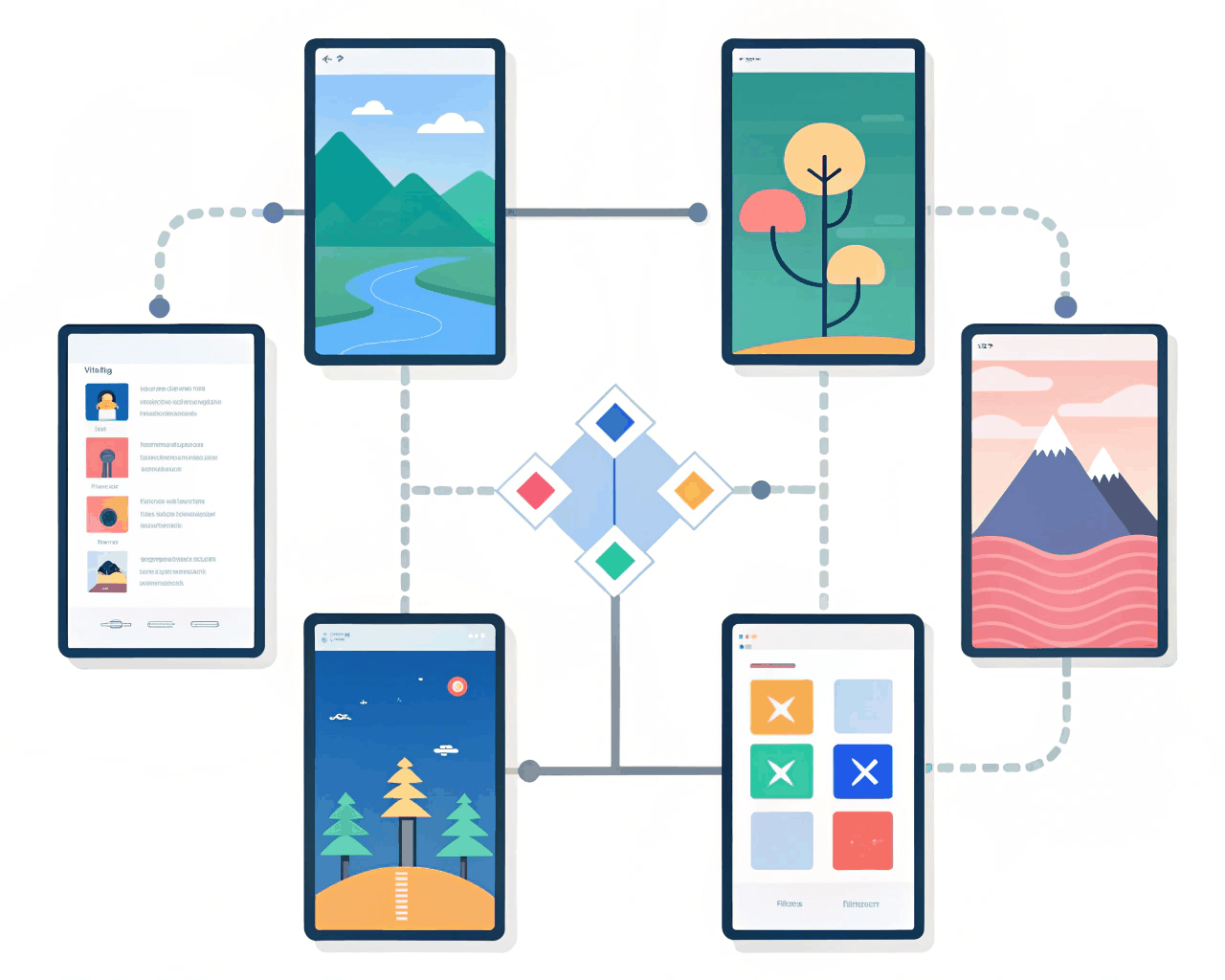
Webflow / Framer Design
Framer Prototype for Mobile App Onboarding Flow
Webflow / Framer Design

Interactive Framer Prototype for Pitch Deck Presentations
Category:
File format:
Style:
Delivery time:
Revisions:
Replace static slides with an interactive Framer presentation that responds to your clicks. This prototype is built to be presented live or shared as an explorable link, making your pitch deck more engaging for investors or clients. The design mimics a familiar slide deck format but with embedded interactive demos, animated data visualizations and smooth transitions between key points. The package delivers a complete Framer file built as a linear presentation flow. Each ‘slide’ is a frame with designed content, and I use click interactions to navigate forward and backward. Where it makes sense, I embed live UI elements—like a toggle switch that demonstrates a feature or a hover effect that reveals more data. You receive the shareable interactive link, a clean PDF export for traditional distribution and a document with presenter notes. This method helps you tell a more compelling story. Instead of just talking about a product, you can briefly interact with a simulated version of it mid-presentation. It shows preparation and a modern approach. I structure the narrative flow first, then design the visuals and interactions to support that story, ensuring the technology enhances the message rather than overshadowing it.
€35.00
Webflow / Framer Design
Webflow / Framer Design

Webflow / Framer Design
Webflow / Framer Design

Webflow / Framer Design

Webflow / Framer Design
Webflow / Framer Design

Webflow / Framer Design

Webflow / Framer Design
Webflow / Framer Design
Replace static slides with an interactive Framer presentation that responds to your clicks. This prototype is built to be presented live or shared as an explorable link, making your pitch deck more engaging for investors or clients. The design mimics a familiar slide deck format but with embedded interactive demos, animated data visualizations and smooth transitions between key points. The package delivers a complete Framer file built as a linear presentation flow. Each ‘slide’ is a frame with designed content, and I use click interactions to navigate forward and backward. Where it makes sense, I embed live UI elements—like a toggle switch that demonstrates a feature or a hover effect that reveals more data. You receive the shareable interactive link, a clean PDF export for traditional distribution and a document with presenter notes. This method helps you tell a more compelling story. Instead of just talking about a product, you can briefly interact with a simulated version of it mid-presentation. It shows preparation and a modern approach. I structure the narrative flow first, then design the visuals and interactions to support that story, ensuring the technology enhances the message rather than overshadowing it.