

Webflow / Framer Design
Framer Prototype for Mobile App Onboarding Flow
Webflow / Framer Design

Framer Prototype for Mobile App Concept Validation
Category:
File format:
Style:
Delivery time:
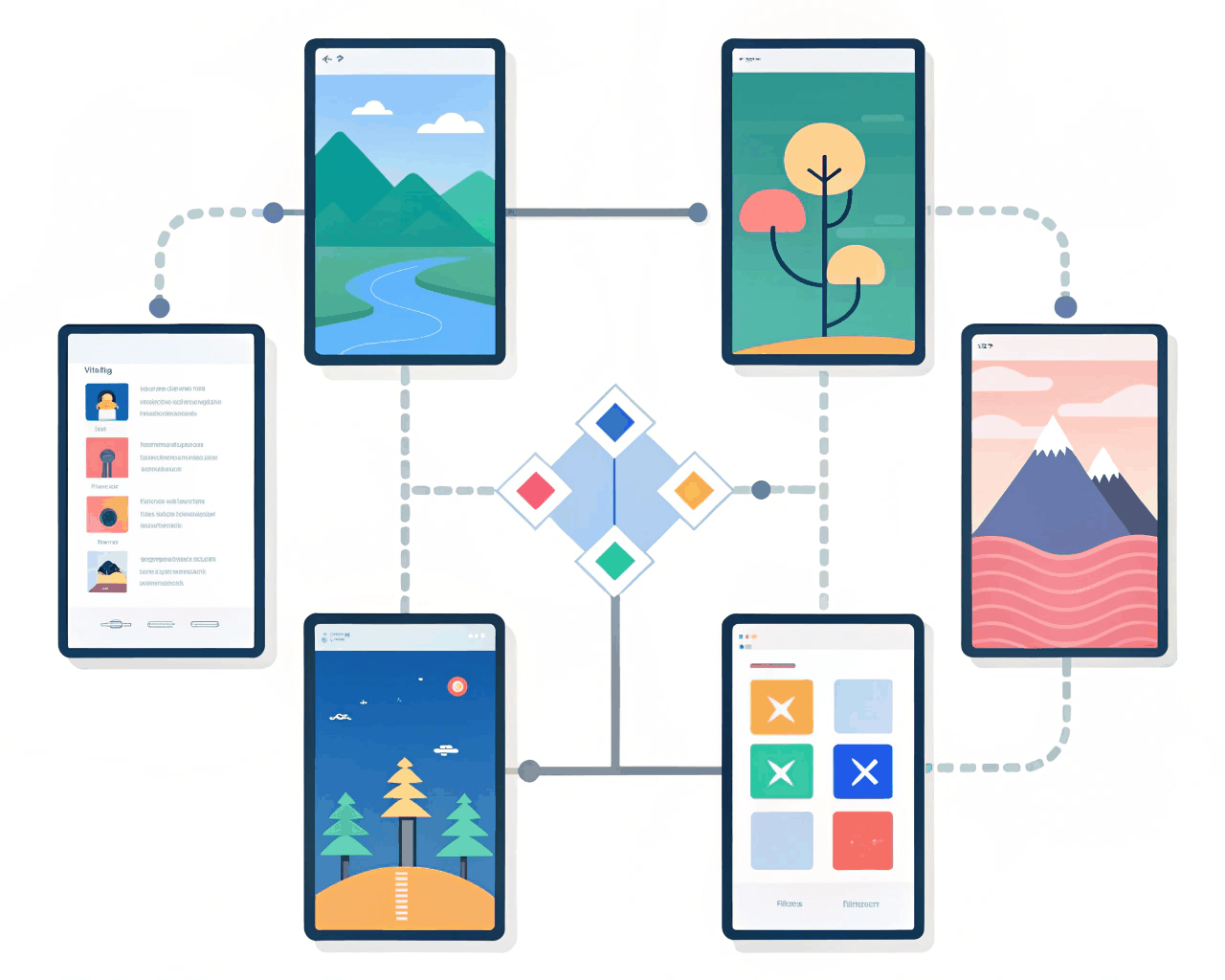
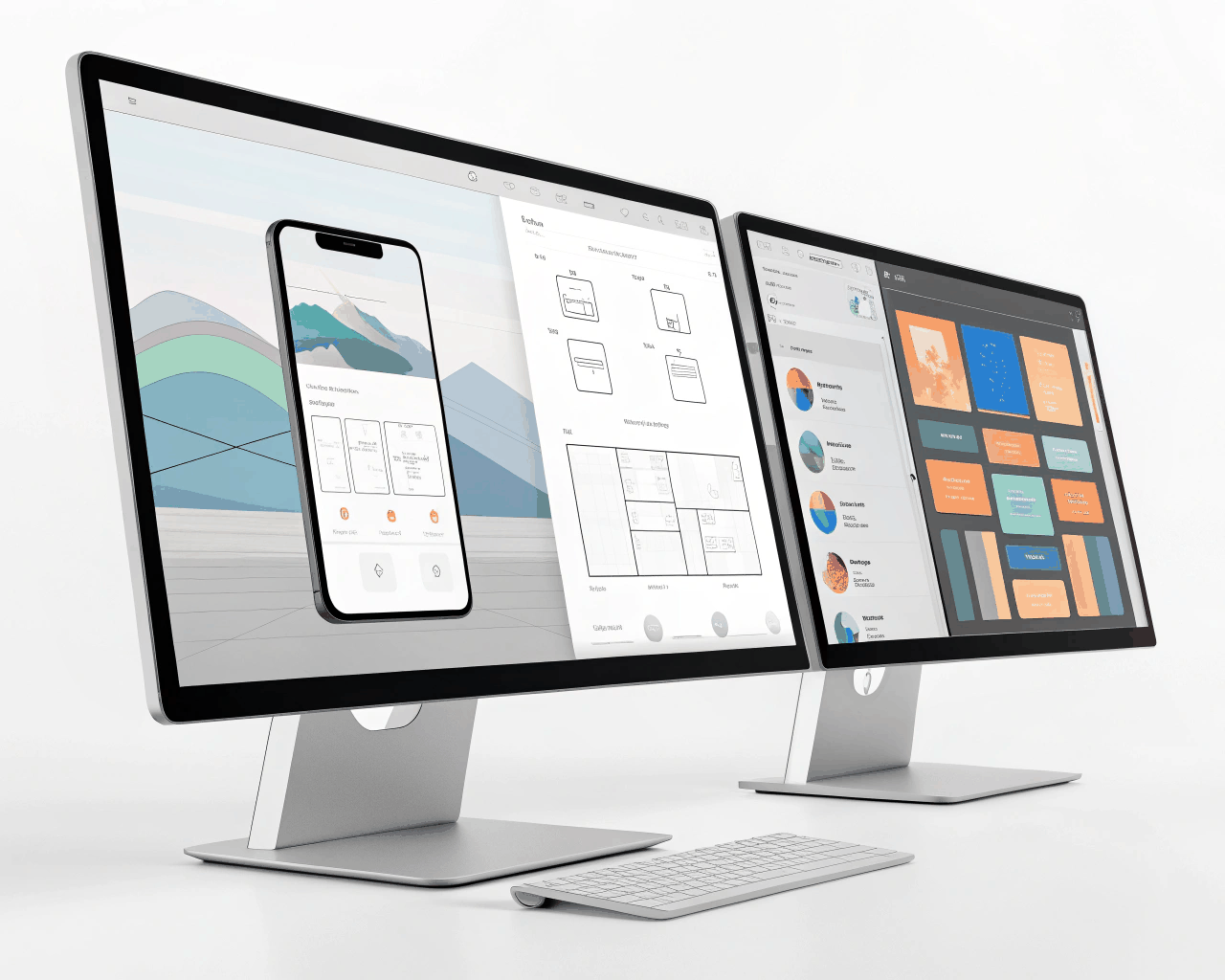
This service delivers a high-fidelity, clickable interactive prototype that feels like a real app, designed to help you validate a feature concept or secure stakeholder buy-in before development. Instead of static screens, you get a working simulation with realistic transitions, scroll effects and interactive elements. The package includes a core user flow of 5-8 connected screens built with native components and design systems to create interactions that mimic real app behavior, like pulling to refresh, tab navigation and modal sheets. You’ll receive a private share link to demonstrate the flow, a reusable component library within the prototype file for your team to expand upon and a short walkthrough video where I explain the prototype logic. Building an interactive prototype allows for a level of realism that static mockups can’t match, which is crucial for accurate user testing. Founders and product managers use this to communicate vision clearly to engineers or to run quick usability tests with potential customers. I focus on the micro-interactions that sell the feel of the product, because how something moves often matters as much as how it looks.
€26.00
Webflow / Framer Design
Webflow / Framer Design
Webflow / Framer Design
Webflow / Framer Design

Webflow / Framer Design

Webflow / Framer Design
Webflow / Framer Design

Webflow / Framer Design

Webflow / Framer Design

Webflow / Framer Design
This service delivers a high-fidelity, clickable interactive prototype that feels like a real app, designed to help you validate a feature concept or secure stakeholder buy-in before development. Instead of static screens, you get a working simulation with realistic transitions, scroll effects and interactive elements. The package includes a core user flow of 5-8 connected screens built with native components and design systems to create interactions that mimic real app behavior, like pulling to refresh, tab navigation and modal sheets. You’ll receive a private share link to demonstrate the flow, a reusable component library within the prototype file for your team to expand upon and a short walkthrough video where I explain the prototype logic. Building an interactive prototype allows for a level of realism that static mockups can’t match, which is crucial for accurate user testing. Founders and product managers use this to communicate vision clearly to engineers or to run quick usability tests with potential customers. I focus on the micro-interactions that sell the feel of the product, because how something moves often matters as much as how it looks.