

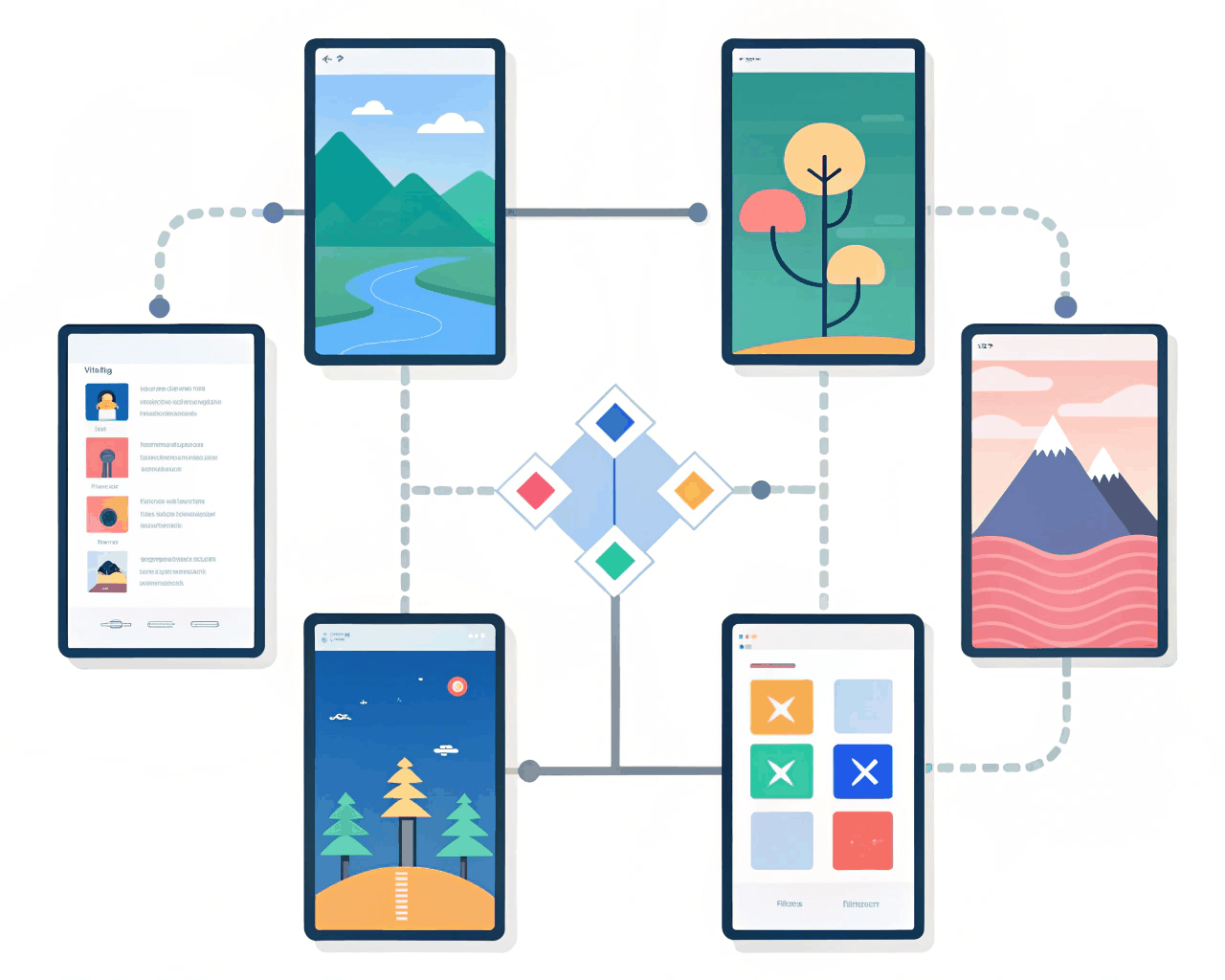
Webflow / Framer Design
Framer Prototype for Mobile App Onboarding Flow
Webflow / Framer Design

Framer Interactive Dashboard Mockup for B2B Applications
Category:
File format:
Style:
Delivery time:
Revisions:
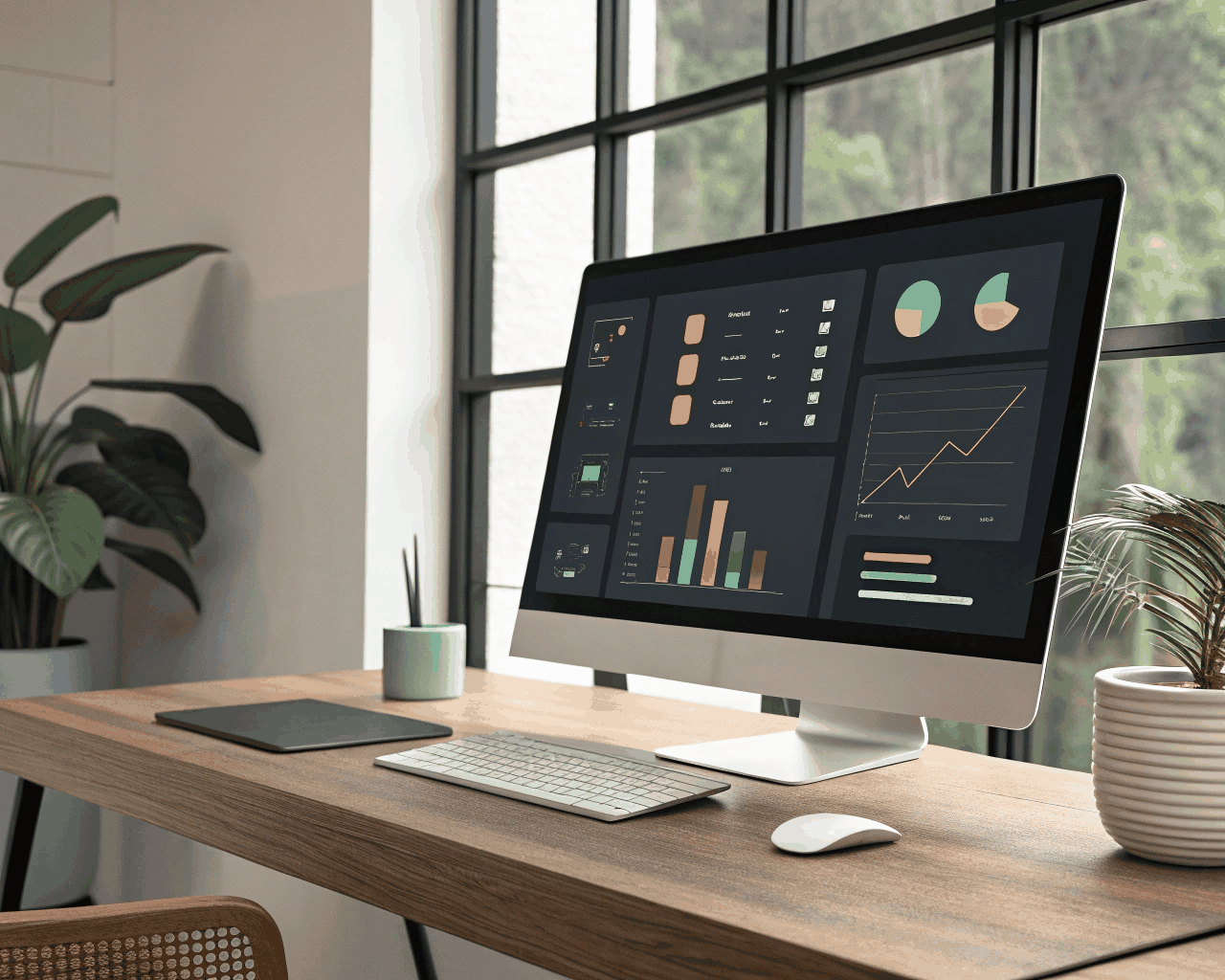
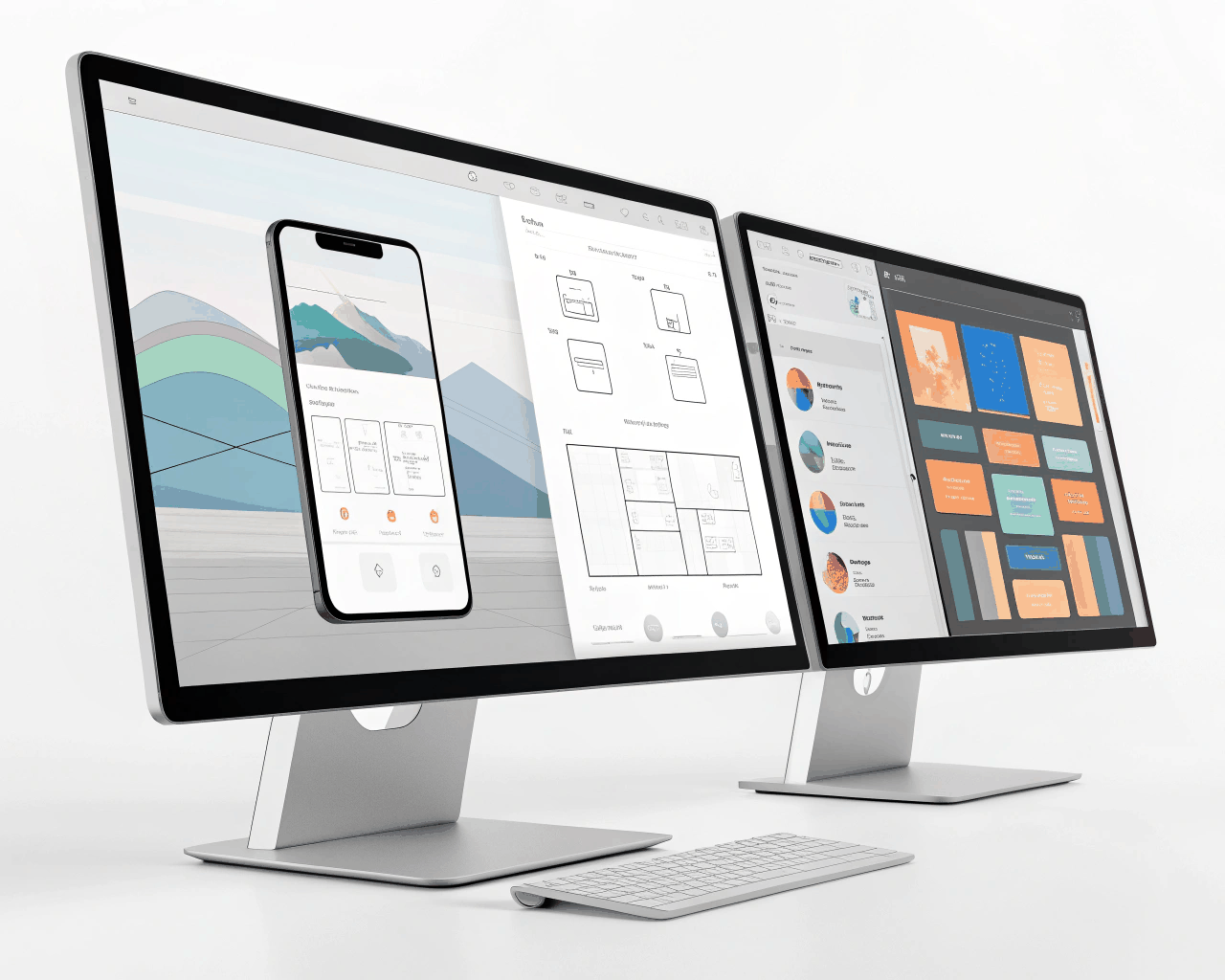
Designing a complex B2B dashboard requires clarity above all else. I create interactive Framer prototypes for web applications that simulate data visualization, user settings and multi-step processes. This mockup will include key dashboard panels like data summary widgets, interactive charts with hover states, a navigation sidebar and modal windows for detailed tasks. The Framer prototype will have working interactive elements, so you can test flows like filtering a data table or updating a user profile. You receive the Framer project file with a reusable component library for buttons, form fields and data cards, plus a user flow diagram PDF. This method is great for getting alignment with your development team and conducting usability tests before engineering begins. I draw on patterns from established tools like Salesforce or HubSpot, adapting them to your specific data and user needs. The goal is to create an interface that feels powerful but not intimidating, where information is organized logically and actions are predictable. It’s a practical step that helps prevent costly redesigns later in the development cycle.
€75.00
Webflow / Framer Design

Webflow / Framer Design
Webflow / Framer Design
Webflow / Framer Design

Webflow / Framer Design
Webflow / Framer Design

Webflow / Framer Design

Webflow / Framer Design
Webflow / Framer Design

Webflow / Framer Design
Designing a complex B2B dashboard requires clarity above all else. I create interactive Framer prototypes for web applications that simulate data visualization, user settings and multi-step processes. This mockup will include key dashboard panels like data summary widgets, interactive charts with hover states, a navigation sidebar and modal windows for detailed tasks. The Framer prototype will have working interactive elements, so you can test flows like filtering a data table or updating a user profile. You receive the Framer project file with a reusable component library for buttons, form fields and data cards, plus a user flow diagram PDF. This method is great for getting alignment with your development team and conducting usability tests before engineering begins. I draw on patterns from established tools like Salesforce or HubSpot, adapting them to your specific data and user needs. The goal is to create an interface that feels powerful but not intimidating, where information is organized logically and actions are predictable. It’s a practical step that helps prevent costly redesigns later in the development cycle.