

Webflow / Framer Design
Interactive Framer Prototype for Mobile App Pitch
Webflow / Framer Design

Framer Prototype for Mobile App Onboarding Flow
Category:
File format:
Style:
Delivery time:
Revisions:
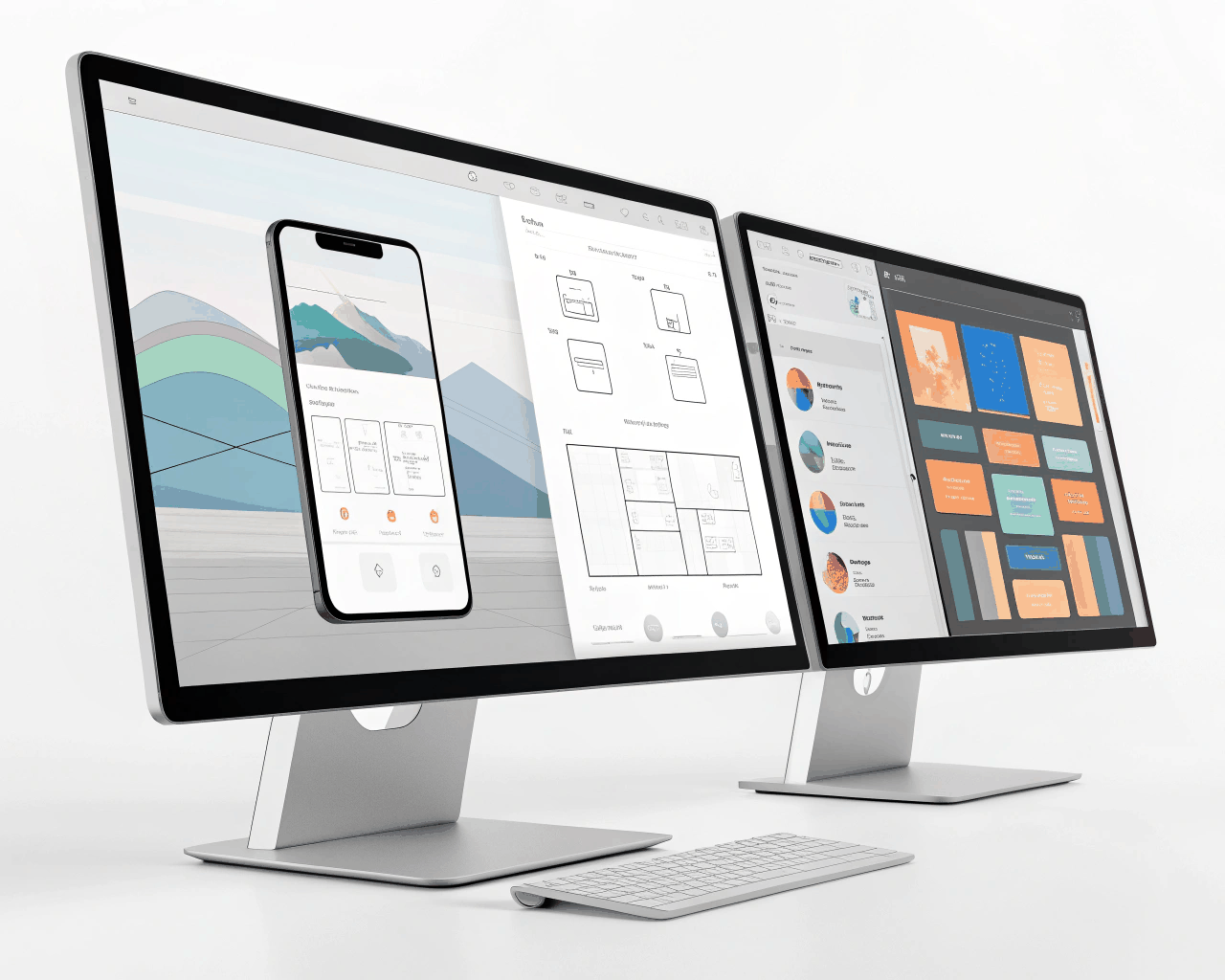
This package delivers a high-fidelity, interactive Framer prototype of a critical user journey, like a mobile app onboarding sequence or a core feature flow. Instead of static screens, you receive a clickable prototype that simulates the actual user experience, complete with transitions, state changes and micro-interactions. We’ll focus on a single, important flow—such as a user signing up, completing a profile or making a first purchase. I design up to eight connected screens in Framer, building in realistic interactions like button presses, input field focus, loading states and navigation between views. The prototype runs in a browser and feels like a real app, which is invaluable for user testing, investor demos or aligning your development team. I build using Framer’s native design tools and component system, which means the visuals are production-ready and the interactions are smooth. This approach helps you validate a concept quickly and cheaply before any code is written. I’ve used this process with fintech and healthtech startups to iron out usability issues early. Seeing a flow in motion reveals problems that static mockups hide, like awkward transitions or unclear feedback. It’s a practical tool for product managers and founders who need to communicate how an app should feel, not just how it should look.
€45.00
Webflow / Framer Design
Webflow / Framer Design
Webflow / Framer Design
Webflow / Framer Design
Webflow / Framer Design
Webflow / Framer Design

Webflow / Framer Design

Webflow / Framer Design
Webflow / Framer Design

Webflow / Framer Design
This package delivers a high-fidelity, interactive Framer prototype of a critical user journey, like a mobile app onboarding sequence or a core feature flow. Instead of static screens, you receive a clickable prototype that simulates the actual user experience, complete with transitions, state changes and micro-interactions. We’ll focus on a single, important flow—such as a user signing up, completing a profile or making a first purchase. I design up to eight connected screens in Framer, building in realistic interactions like button presses, input field focus, loading states and navigation between views. The prototype runs in a browser and feels like a real app, which is invaluable for user testing, investor demos or aligning your development team. I build using Framer’s native design tools and component system, which means the visuals are production-ready and the interactions are smooth. This approach helps you validate a concept quickly and cheaply before any code is written. I’ve used this process with fintech and healthtech startups to iron out usability issues early. Seeing a flow in motion reveals problems that static mockups hide, like awkward transitions or unclear feedback. It’s a practical tool for product managers and founders who need to communicate how an app should feel, not just how it should look.