

Landing Page Design
Mobile-First Lead Capture Page for Local Service Businesses
Landing Page Design

Interactive Demo Landing Page for Complex Web Applications
Category:
File format:
Style:
Delivery time:
Revisions:
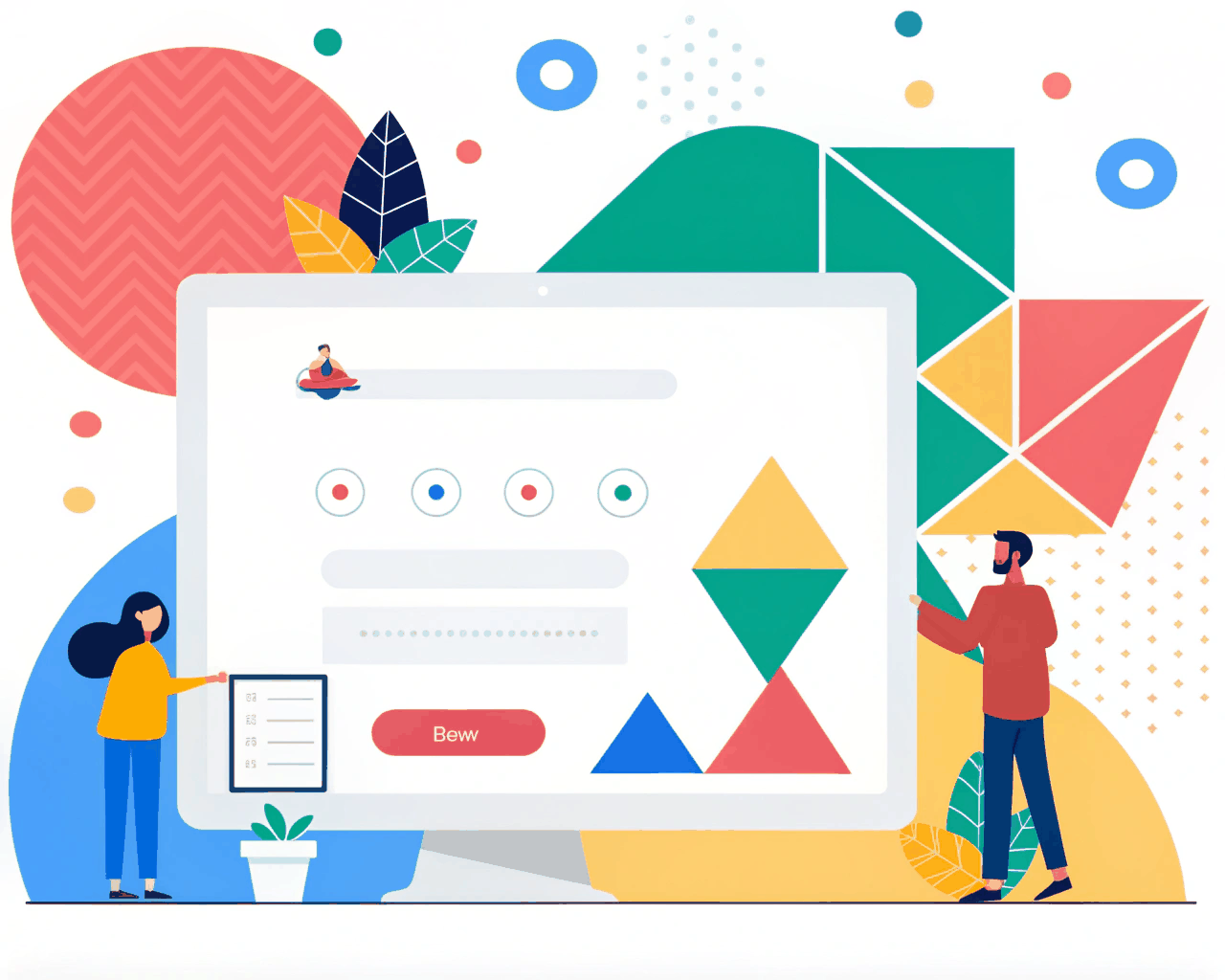
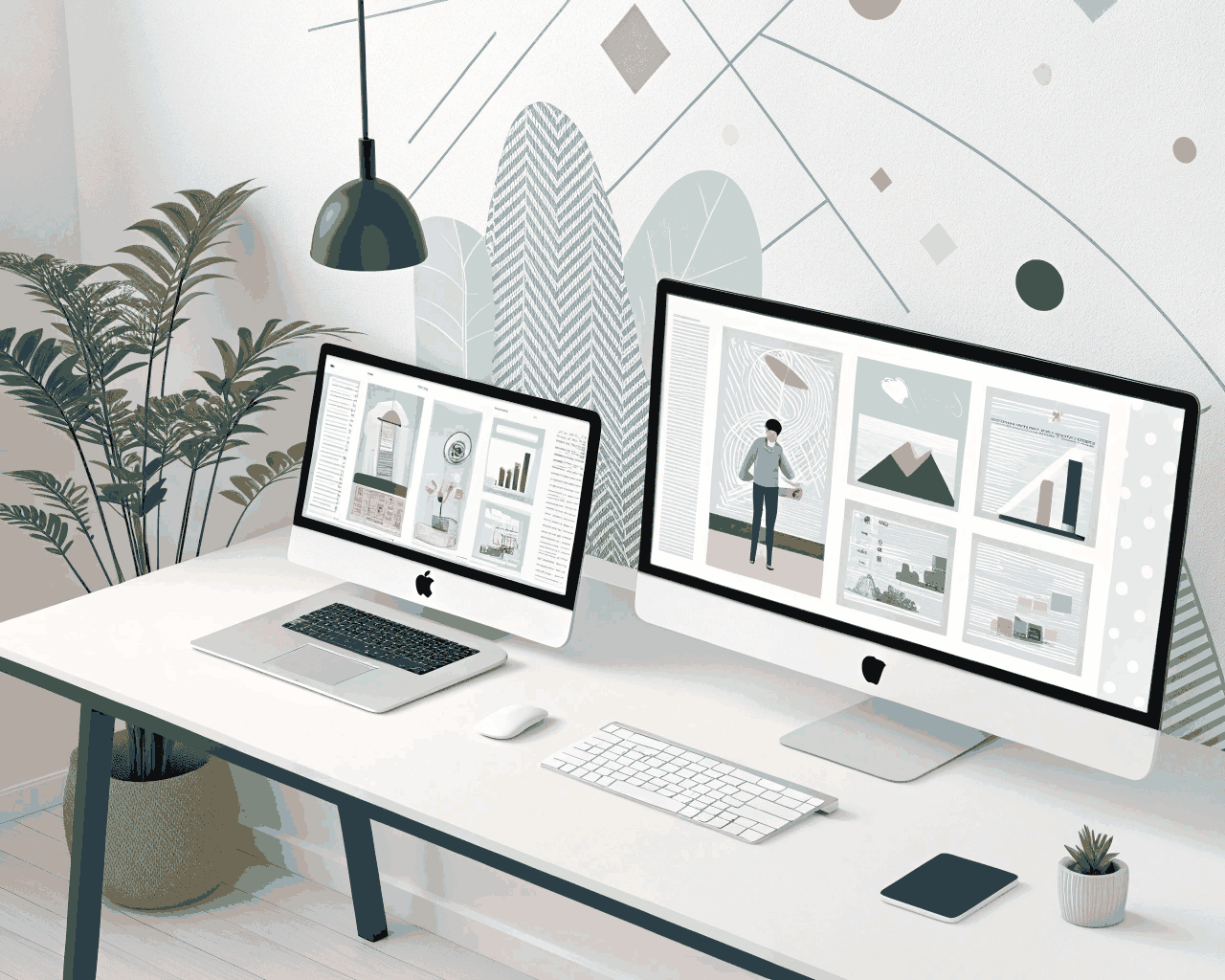
Explaining a complex web application with text alone is an uphill battle. I design landing pages that use interactive UI previews, step-by-step walkthroughs and embedded demo videos to show your product in action. This approach helps potential customers understand nuanced features and workflows before they ever sign up for a trial.
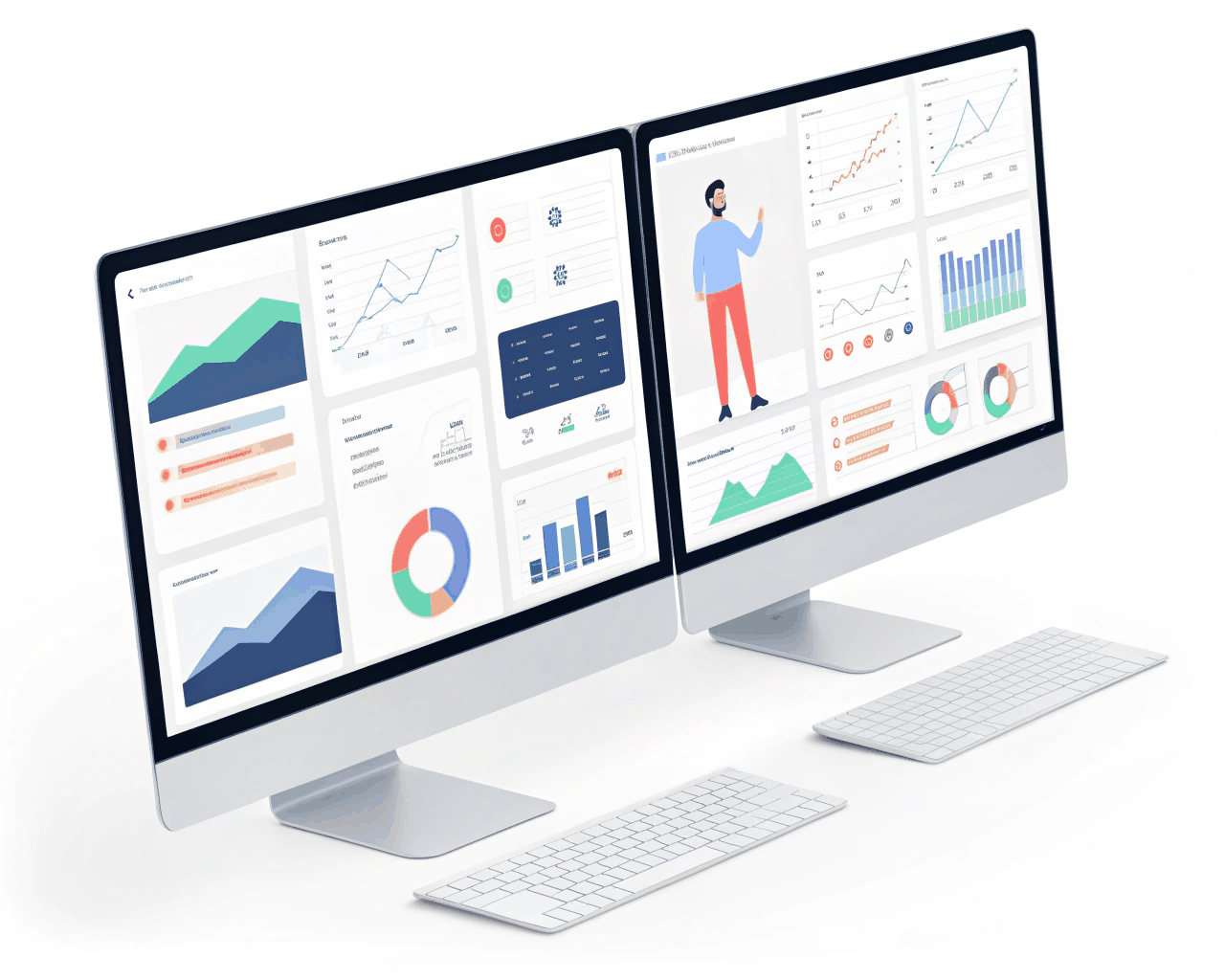
You receive a detailed Figma design that includes static mockups of key page sections and, more importantly, interactive prototype frames that simulate the product experience. This could be a click-through of your app’s dashboard, an animated sequence showing a workflow or a storyboard for an explainer video. I provide a comprehensive implementation guide for your developers, detailing how to build the interactive elements using common libraries or native web technologies. The overall page design is clean and corporate to ensure the interactive demos remain the focal point without visual competition.
This method works because it shows, rather than tells. For a project management tool, we might embed a simplified, interactive version of a task board. For a data analytics platform, we could design an animated chart that updates based on mock user input. This reduces the cognitive leap a visitor has to make, addressing the common ‘I’m not sure what this actually does’ hesitation that plagues complex SaaS products. The design uses clear, functional typography and a neutral background palette to keep the focus squarely on the product UI being demonstrated.
The page structure is built to educate. It often begins by defining the user’s challenge, then introduces your application as the solution, immediately followed by the interactive or video demonstration that validates the claim. Further down, we detail specific features with supporting screenshots or GIFs. This style is ideal for B2B software in niches like CRM, ERP, marketing automation or developer tools. The goal is to qualify leads more effectively, attracting users who already understand your product’s value and are more likely to convert to a paid plan after their trial.
€86.00
€98.00
Landing Page Design

Landing Page Design

Landing Page Design
Landing Page Design

Landing Page Design
Landing Page Design
Landing Page Design

Landing Page Design
Landing Page Design
Landing Page Design
Explaining a complex web application with text alone is an uphill battle. I design landing pages that use interactive UI previews, step-by-step walkthroughs and embedded demo videos to show your product in action. This approach helps potential customers understand nuanced features and workflows before they ever sign up for a trial.
You receive a detailed Figma design that includes static mockups of key page sections and, more importantly, interactive prototype frames that simulate the product experience. This could be a click-through of your app’s dashboard, an animated sequence showing a workflow or a storyboard for an explainer video. I provide a comprehensive implementation guide for your developers, detailing how to build the interactive elements using common libraries or native web technologies. The overall page design is clean and corporate to ensure the interactive demos remain the focal point without visual competition.
This method works because it shows, rather than tells. For a project management tool, we might embed a simplified, interactive version of a task board. For a data analytics platform, we could design an animated chart that updates based on mock user input. This reduces the cognitive leap a visitor has to make, addressing the common ‘I’m not sure what this actually does’ hesitation that plagues complex SaaS products. The design uses clear, functional typography and a neutral background palette to keep the focus squarely on the product UI being demonstrated.
The page structure is built to educate. It often begins by defining the user’s challenge, then introduces your application as the solution, immediately followed by the interactive or video demonstration that validates the claim. Further down, we detail specific features with supporting screenshots or GIFs. This style is ideal for B2B software in niches like CRM, ERP, marketing automation or developer tools. The goal is to qualify leads more effectively, attracting users who already understand your product’s value and are more likely to convert to a paid plan after their trial.